PDF WIZARD TOOL
Merge PDF
Combine multiple PDF files into one document.
Select two or more PDF files to merge.
PDF WIZARD TOOL
Combine multiple PDF files into one document.
Select two or more PDF files to merge.
Combine multiple PDF files into one organized document in just a few simple steps. Upload your files, arrange them in the correct order, merge them, and download your finished PDF.
Open the Merge PDF tool on PDF Wizard Tools. The tool allows you to combine two or more PDF files into a single PDF document without manually copying or moving pages between files.
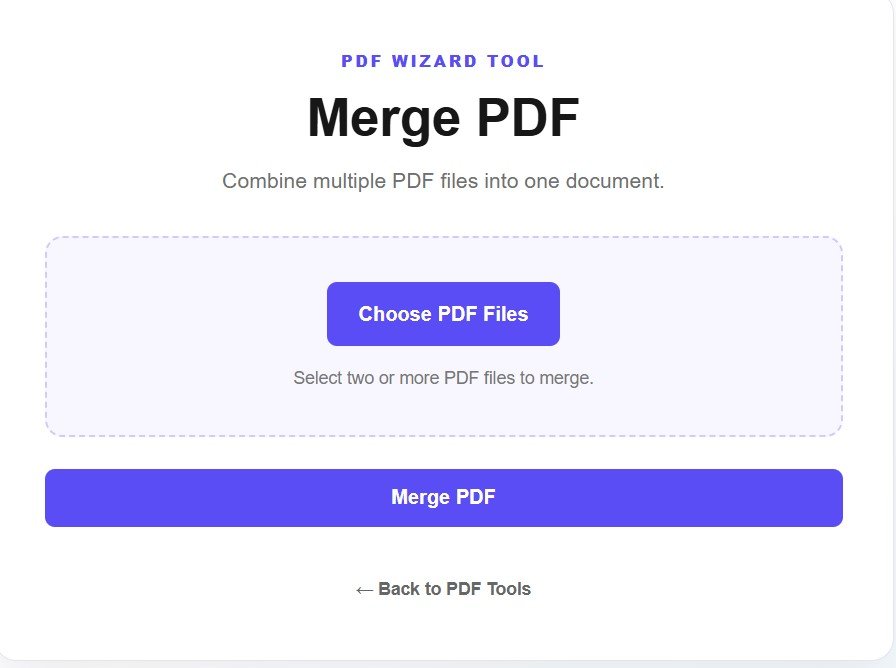
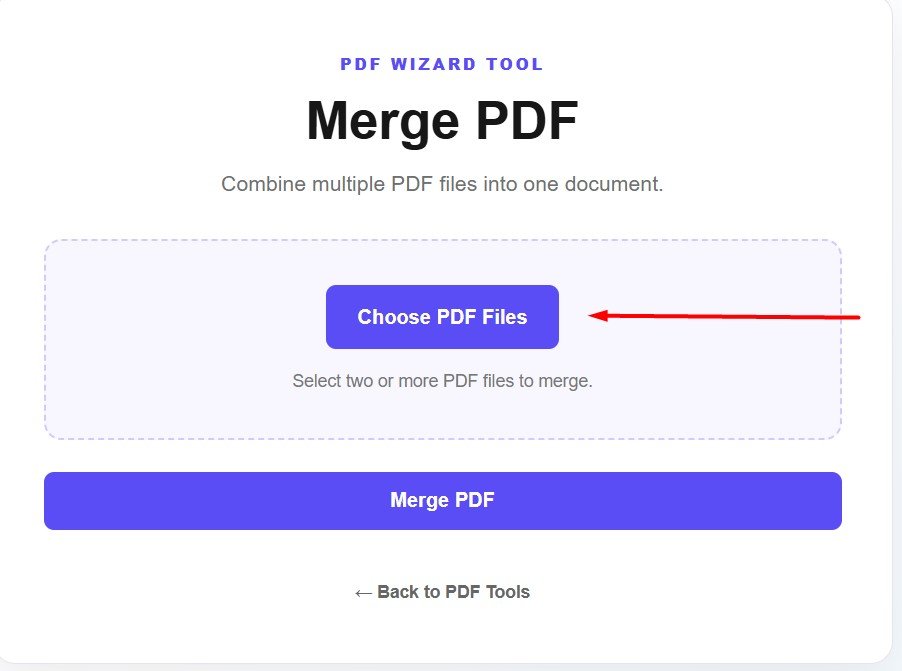
Click the Choose PDF Files button and select the PDF documents you want to combine. You can select multiple PDF files at the same time. Make sure you choose the correct files before continuing.
After selecting your files, they will appear in the file list. Review the names of the documents to make sure all the PDFs you want to merge have been added. If you accidentally selected a file, you can remove it before merging.
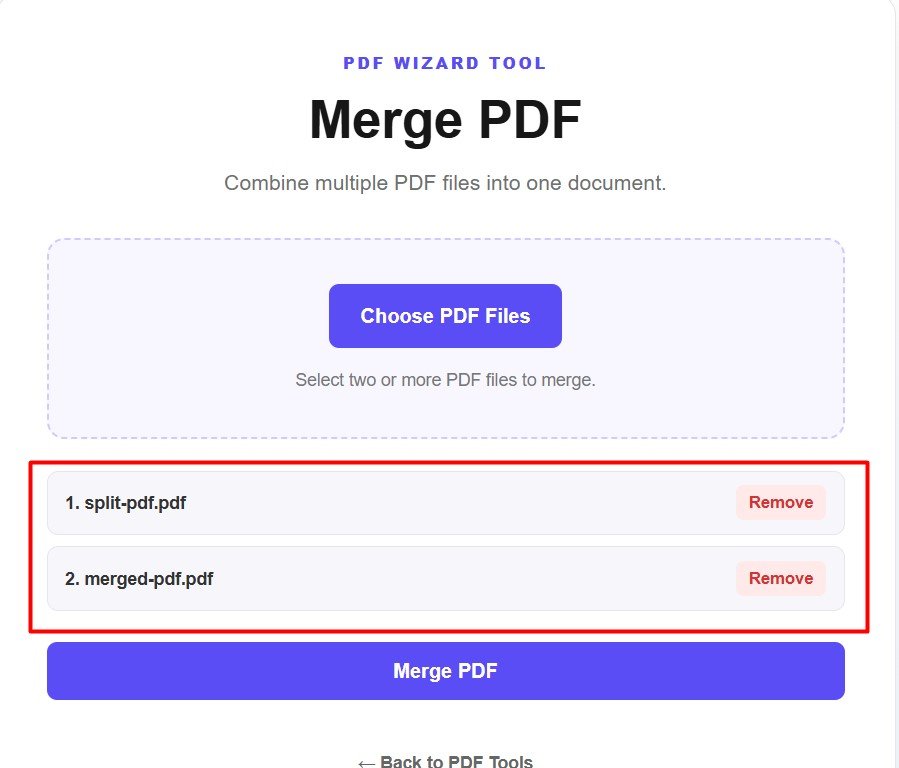
Check the order of your selected PDF files before merging them. The documents will be combined according to the order displayed in the tool. Make sure the first PDF is the document you want to appear first in the final file.
If you accidentally selected the wrong document, click the Remove button next to that file. Removing unwanted files before merging helps keep your final PDF clean and organized.
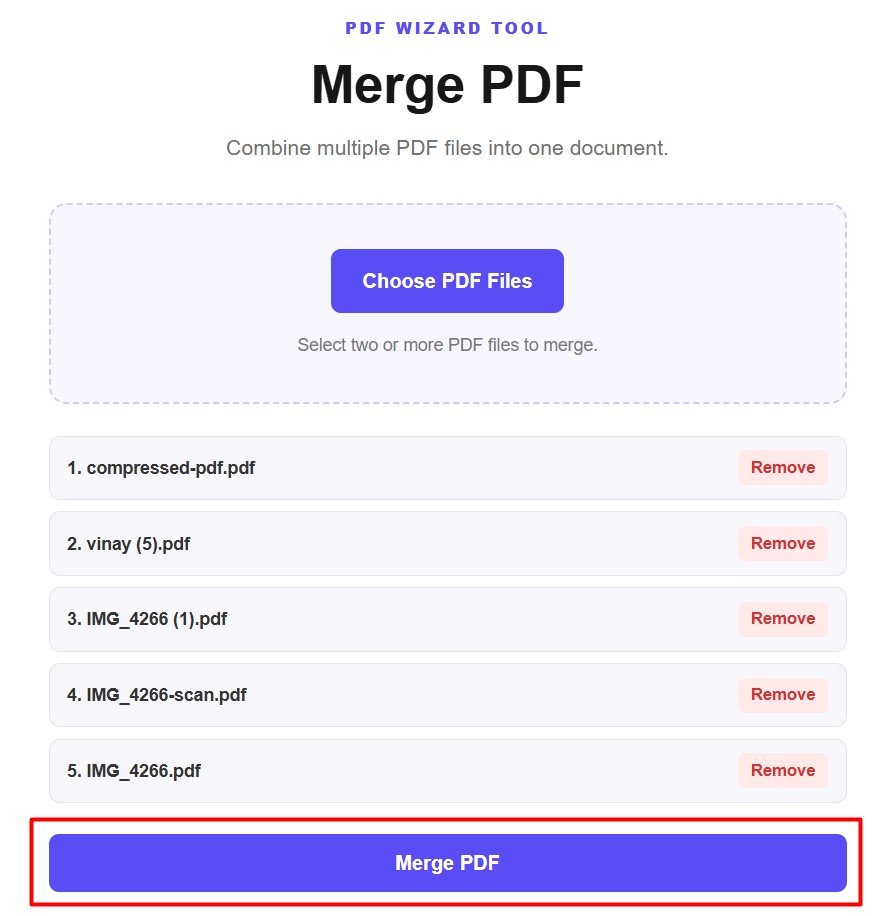
Once all your files are selected and in the correct order, click the Merge PDF button. PDF Wizard Tools will combine the selected documents into one PDF file.
After the merging process is completed, download the newly created PDF file to your device. Open the downloaded document and check that all pages are included and appear in the expected order.
Merging PDF files is useful when several related documents need to be stored, shared, or submitted as one file. Instead of sending multiple attachments, you can combine them into a single organized PDF.
If your merged PDF is larger than you need, you can use our Compress PDF tool to reduce its file size while keeping the document easier to share or upload.
Combine your PDF documents into one file with a simple upload-and-merge process. Select your files, check their order, merge them, and download the finished PDF.
Merge PDF Now