PDF WIZARD TOOL
Split PDF
Extract selected pages from your PDF into a new PDF.
Select one PDF file to split.
PDF WIZARD TOOL
Extract selected pages from your PDF into a new PDF.
Select one PDF file to split.
Extract specific pages from a PDF and save them as a new document. Upload your PDF, enter the pages you want to extract, and create a separate PDF in just a few simple steps.
Open the Split PDF tool on PDF Wizard Tools. This tool lets you extract selected pages from an existing PDF and create a new PDF containing only the pages you need.
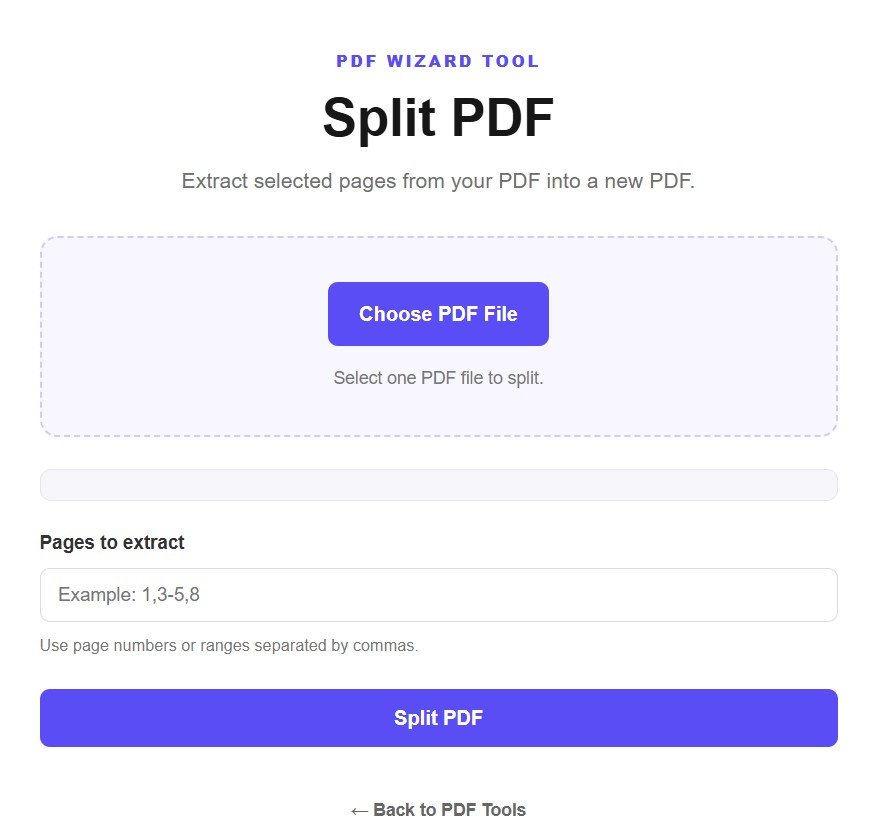
Click the Choose PDF File button and select the PDF document you want to split from your device. The Split PDF tool requires one PDF file at a time.
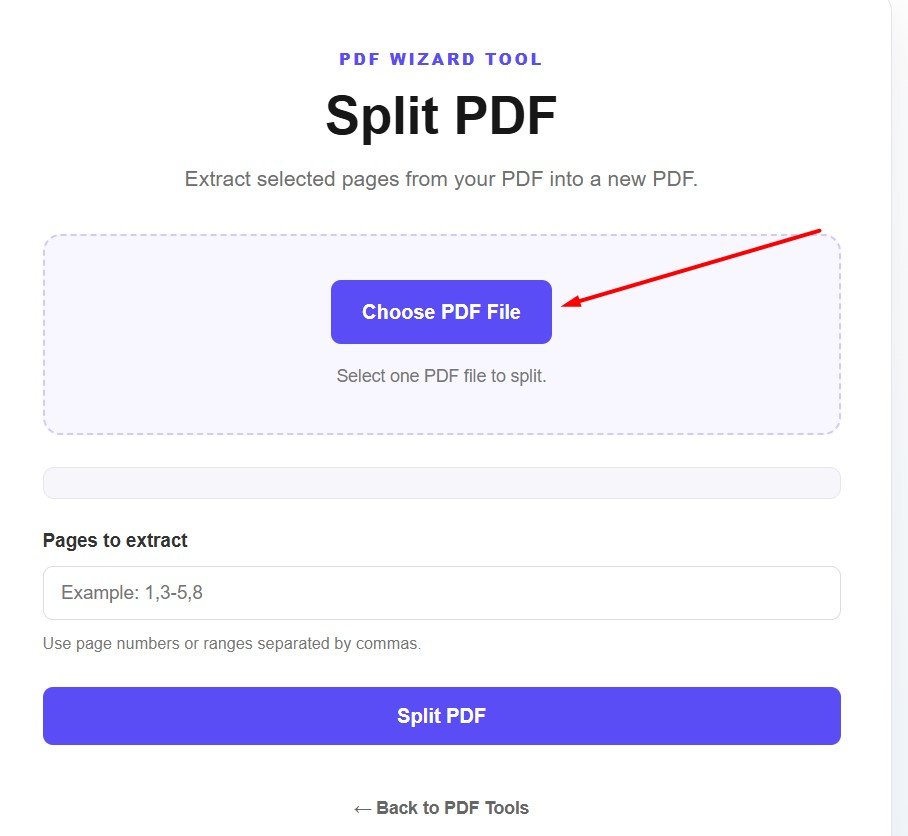
After uploading the document, the tool will display the PDF file name along with its total number of pages. Check this information before selecting the pages you want to extract.
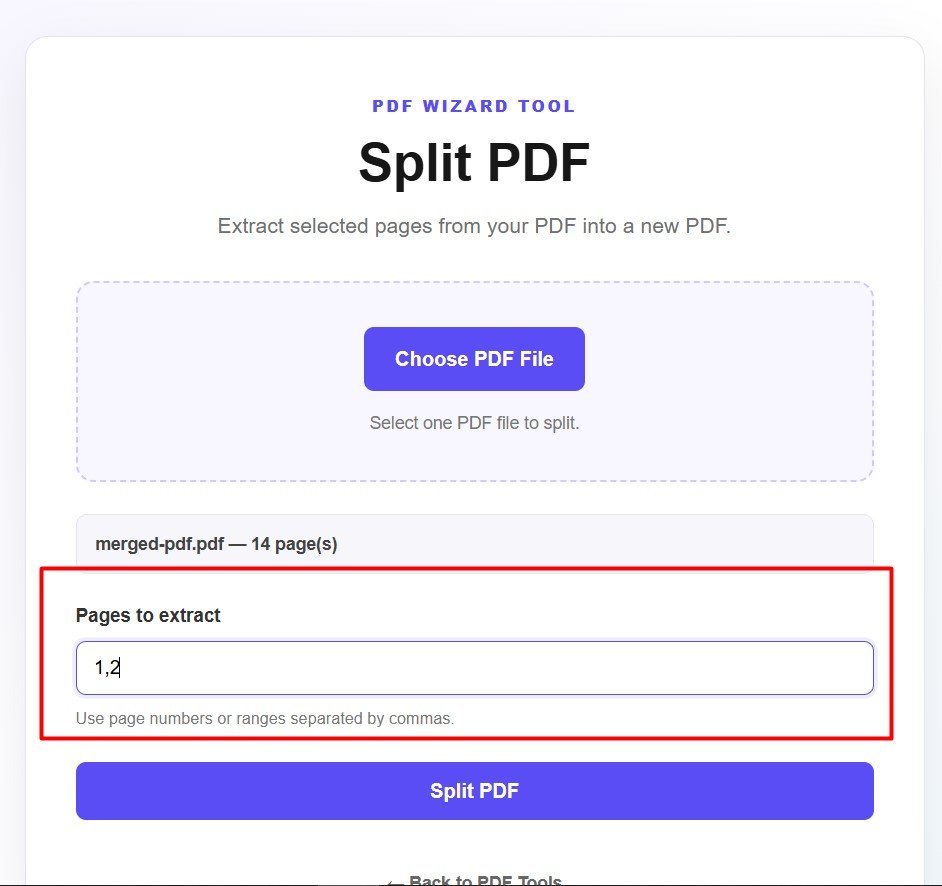
Enter the page numbers you want to extract in the Pages to extract field. You can enter individual page numbers or page ranges separated by commas.
Example: Enter 1,2,5-8 to extract pages 1, 2, and pages 5 through 8.
Before splitting the document, review the page numbers you entered. Make sure the page numbers are correct and that any ranges contain only the pages you want in the new PDF.
For example, if you enter 1,2, the resulting PDF will contain pages 1 and 2 from the original document.
Once you have entered the required page numbers, click the Split PDF button. The tool will process the original document and extract the selected pages into a new PDF.
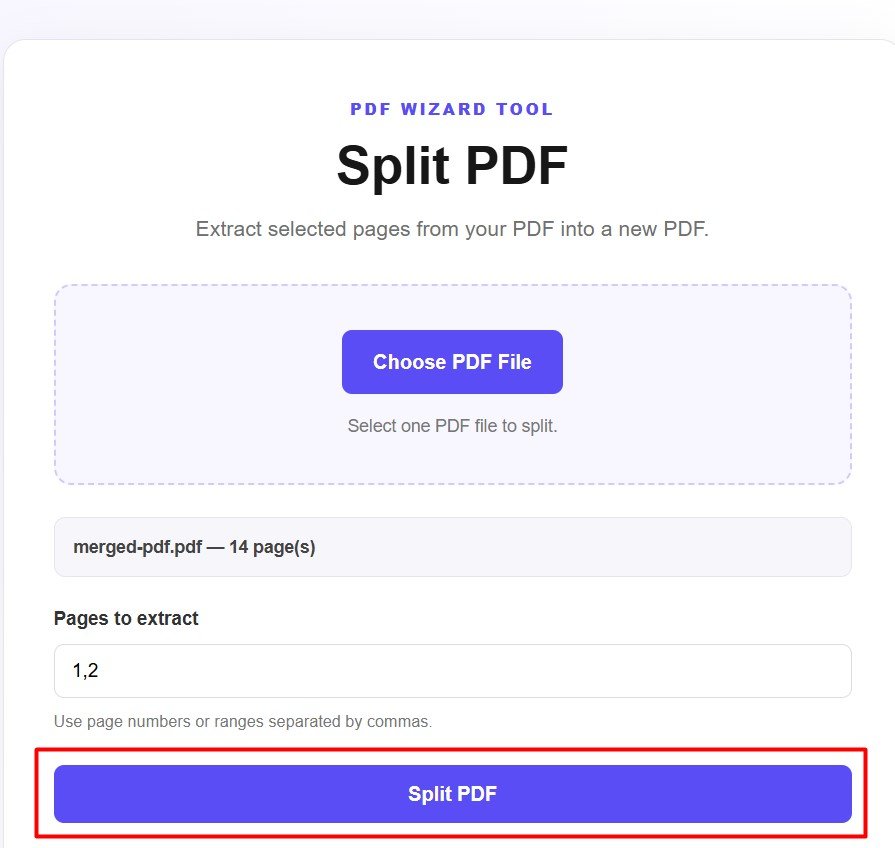
After the split process is complete, download the newly created PDF. Open the file and check that the selected pages are included and that the document contains the information you need.
A large PDF may contain many pages that you do not need. Splitting the document allows you to extract only the relevant pages instead of sharing or storing the entire file.
The Split PDF tool allows you to enter individual page numbers or page ranges. Separate multiple selections with commas.
After extracting the pages you need, you may want to perform another PDF task. If you have several PDF documents that you want to combine again, use our Merge PDF tool to combine them into one document.
If the extracted PDF is too large to upload, email, or share, you can use our Compress PDF tool to reduce its file size.
You can also use our Sign PDF tool when you need to add a signature to a PDF document.
Extract the pages you need from a PDF and create a separate document. Upload your PDF, enter the page numbers, and split your file in a few simple steps.
Split PDF Now