How to Flip a PDF Online
Change the orientation of PDF page content with PDF Wizard Tools. Use the flip options supported by the tool to adjust the appearance of your document.
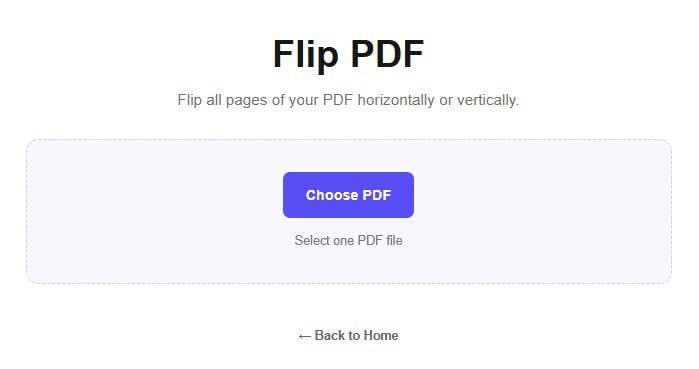
Open the Flip PDF Tool
Open the Flip PDF tool on PDF Wizard Tools. Use the available flip settings to mirror page content in the supported direction.
Flipping may be useful when a page or diagram needs its orientation mirrored.
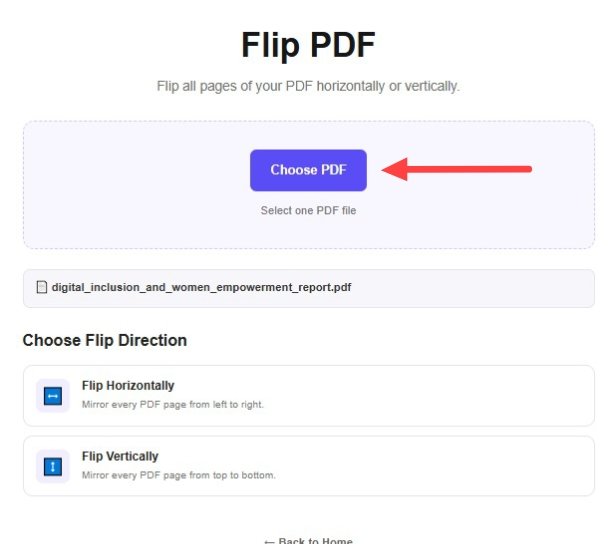
Upload Your PDF Document
Click the file upload button and select the PDF you want to flip. Wait for the document to load.
Keep a backup of the original file before applying any orientation changes.
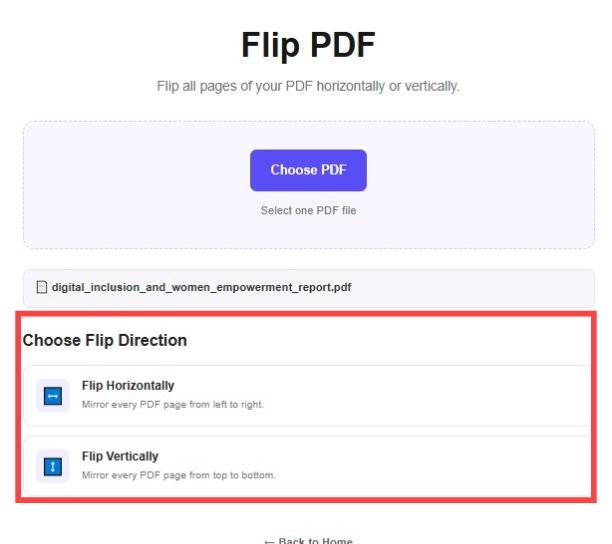
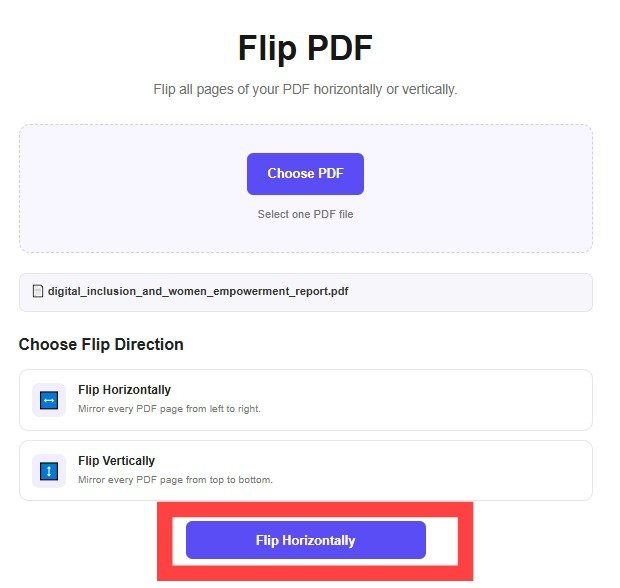
Choose the Flip Direction
Select the horizontal or vertical flip option if it is provided by the tool. Review the preview before continuing.
Flipping may mirror text and images, so check that the selected direction produces the result you need.
Apply the Flip Settings
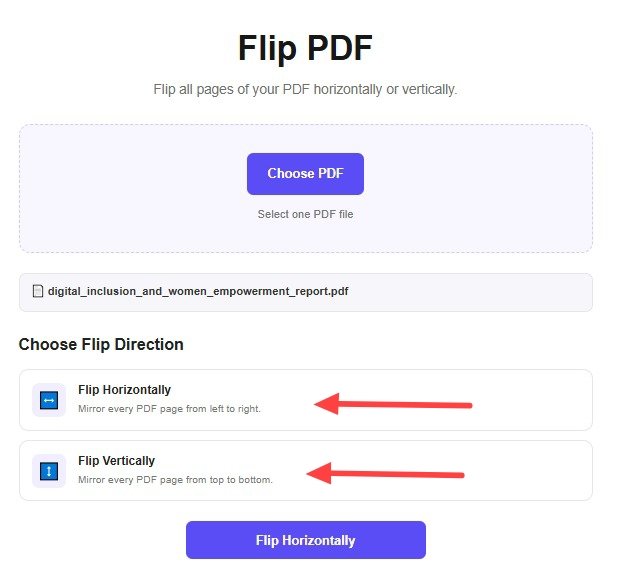
Confirm your selected options and click the flip or process button provided by the tool.
Wait for processing to finish before downloading the updated PDF document.
Download and Review Your PDF
Download the processed PDF using the available download option.
Open the document and verify that the pages appear as intended and that all required content remains readable.
Why Use a Flip PDF Tool?
Flipping can help mirror page content when the required orientation is supported by the tool.
- Mirror page content horizontally or vertically.
- Adjust the orientation of supported diagrams or images.
- Change the appearance of selected PDF pages.
- Review mirrored content before sharing it.
- Keep a backup of the original PDF for reference.
How Does Flipping a PDF Work?
A flip operation mirrors page content along a selected direction. The available directions and page-selection options depend on how the tool is implemented.
Example: Mirroring Page Content
Check the final output carefully, especially if the page contains text, diagrams, or directional symbols.
Tips Before Flipping a PDF
- Check the selected flip direction carefully.
- Preview the result before downloading.
- Keep a backup of the original PDF.
- Check text and diagrams for readability.
- To turn pages by an angle instead, use Rotate PDF.
What to Do After Flipping a PDF?
Correct page orientation with Rotate PDF.
Adjust visible page boundaries with Crop PDF.
Change page dimensions with Resize PDF.
Frequently Asked Questions
What does flipping a PDF mean?
Flipping mirrors page content along a direction supported by the tool.
Is flipping the same as rotating?
No. Flipping mirrors content, while rotation changes the angle of the page.
Can I flip a single page?
Individual page selection is available only if supported by your version of the tool.
Will text appear mirrored?
Yes, a flip can mirror text depending on the direction. Review the output carefully before using it.
Can I undo a flip?
Keep the original PDF as a backup. You can use it to create a fresh copy if you need to start again.
Can I rotate a PDF instead of flipping it?
Yes. Use Rotate PDF to change page orientation by rotation.
Flip Your PDF Pages Online
Adjust page orientation using the flip options supported by PDF Wizard Tools.
Back to Flip PDF Tool