PDF WIZARD TOOL
Rotate PDF
Rotate all pages of your PDF document.
Select a PDF file to rotate.
PDF WIZARD TOOL
Rotate all pages of your PDF document.
Select a PDF file to rotate.
Correct sideways or upside-down pages with PDF Wizard Tools. Adjust page orientation to make your PDF easier to read, review, and print.
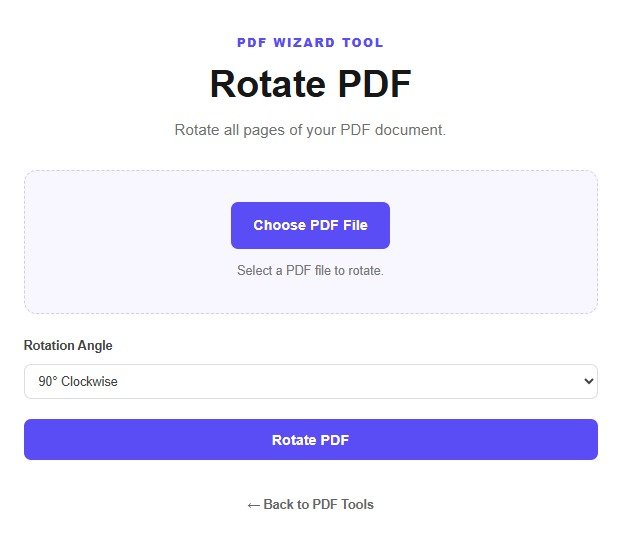
Open the Rotate PDF tool on PDF Wizard Tools. Use it to correct pages that appear sideways or upside down.
Rotating pages can help improve the viewing and printing experience for scanned documents, reports, and forms.
Select the PDF containing the pages whose orientation you want to correct. Wait for the file to load.
Keep a backup of the original PDF before processing it.
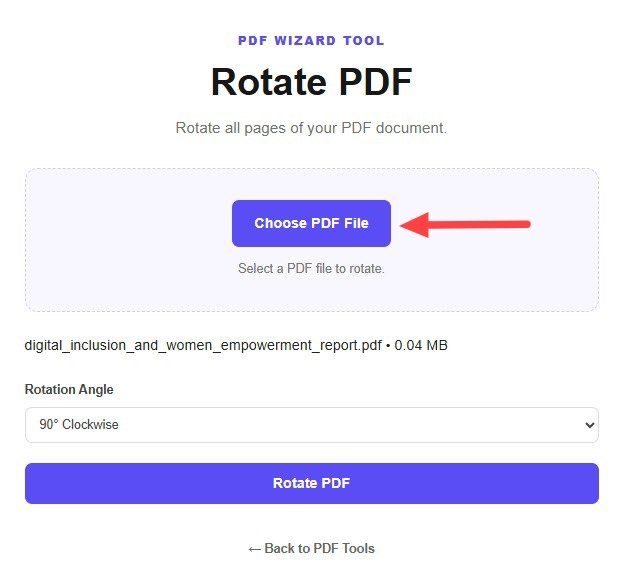
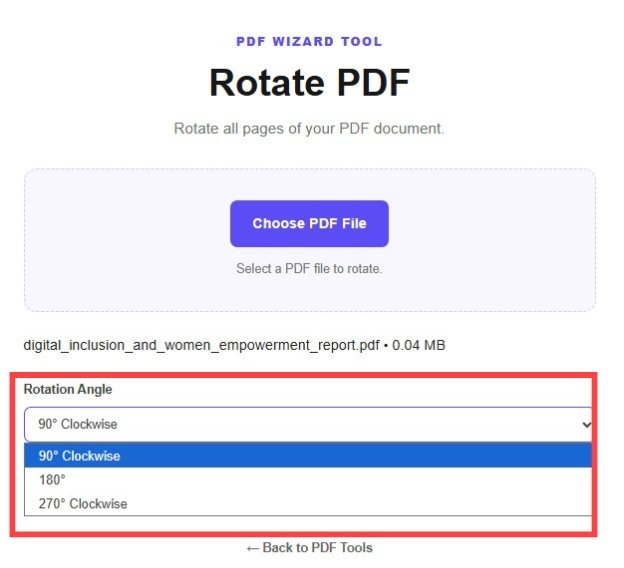
Choose the pages you want to rotate, if individual page selection is available. Select the required rotation direction from the tool's controls.
Review the page preview to make sure the selected direction will correct the orientation.
Confirm your selection and click the rotate or process button provided by the tool.
Wait for processing to finish before downloading the updated document.
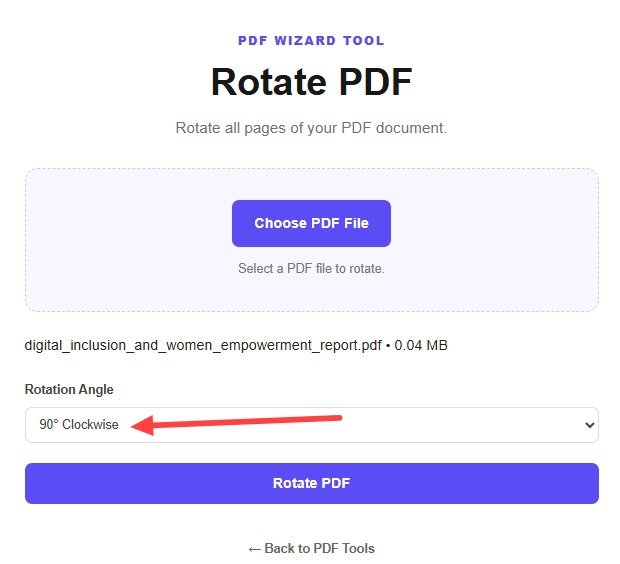
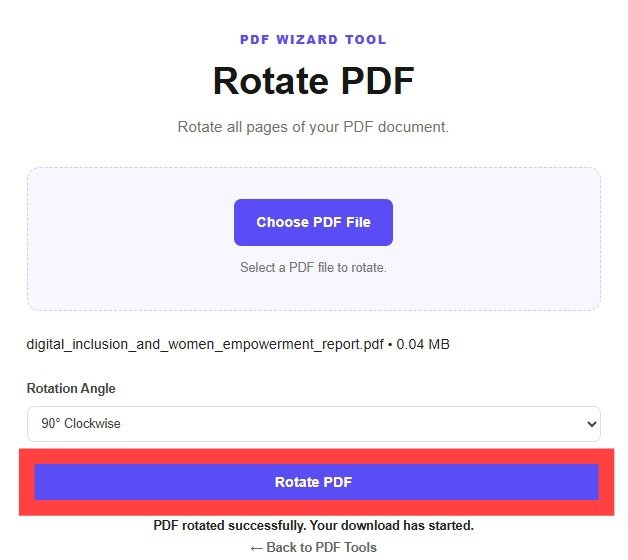
Download the rotated PDF using the available download option.
Open the file and confirm that the pages are upright, readable, and oriented as expected.
Incorrect page orientation can make a document difficult to read or print. Rotating pages can help correct this problem.
The tool changes page orientation according to the selected rotation direction. Review the output to confirm that the pages appear as intended.
This is a general example. The result depends on the rotation direction you choose.
Adjust page boundaries with Crop PDF.
Arrange page order with Reorder PDF Pages.
Change page dimensions with Resize PDF.
Use individual page selection if your version of the tool supports it.
No. Rotation changes the angle of a page, while flipping mirrors its content.
Rotation is intended to change page orientation rather than the sequence of pages.
Select multiple pages if that feature is available in the tool.
Yes. Review the downloaded document to confirm that every page is readable and correctly oriented.
Yes. Use Crop PDF if you also need to adjust the visible page area.
Correct page orientation and make your document easier to read with PDF Wizard Tools.
Back to Rotate PDF Tool